Real charging wattage,
right in your menu bar.
Check cables, chargers, and power setups instantly. Private, tiny, and offline.
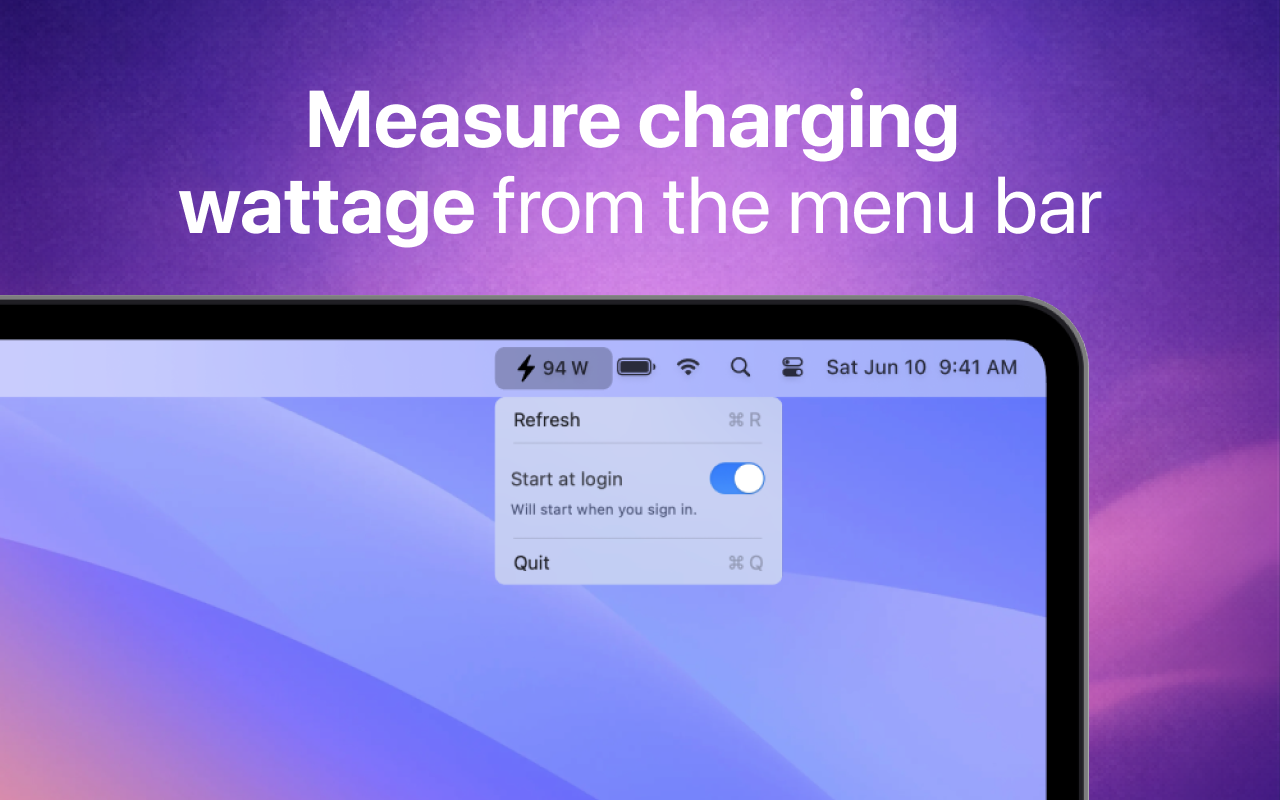
Check cables, chargers, and power setups instantly. Private, tiny, and offline.
USB-C charging is convenient, but it isn't always obvious how much power your MacBook is actually getting. Cables, chargers, adapters, and battery state all affect the result.
Real-time charging power, updated live in your menu bar. No window. No clicks.
Works with the full range of modern MacBook charging.
Knows the moment you connect or unplug.
Quietly there from the moment your MacBook wakes.
No tracking. No network. Ever.
Built so light you'll forget it's running.
One-time purchase. No subscription.
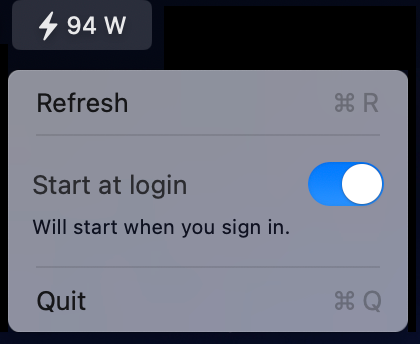
Watt The Plug sits right in your menu bar — no app to open, no window to find. Always see exactly what your MacBook is pulling, and whether your gear is doing its job.
What does it cost you to run out of power at the wrong moment, or realise too late that your setup was underpowered? Watt The Plug helps you catch that early.
Download Watt The Plug from the Mac App Store and see what your charger is really doing.